Key Takeaways
- Zero Phone Drain: Local earbud neural processing offloads all AI computations from the smartphone application processor to a dedicated micro-NPU (Neural Processing Unit) directly on the earbud chip, resulting in zero additional battery drain on your phone.
- Sub-Millisecond Latency: By processing audio intelligence locally before wireless transmission, earbud chips achieve sub-5-millisecond response times for adaptive noise cancellation and voice isolation, eliminating the lag associated with cloud-assisted AI.
- Dynamic Intelligence: Modern DNNs (Deep Neural Networks) run by local earbud neural processing can distinguish between transient sounds (like keyboard clatter or sirens) and constant background drone, suppressing the noise while intelligently preserving human speech.
- Offline Operation: Because the machine learning models are pre-trained and flashed directly onto the earbud’s silicon, local earbud neural processing functions entirely offline without requiring an internet connection or cellular data.
- Hardware Dependency: This capability requires specific, modern hardware (such as Qualcomm S5/S7 or Apple H2 chips). Older earbuds cannot gain true local neural processing via software updates alone.
How Does Onboard Neural Processing Actually Silence Your World Without Killing Your Phone Battery?
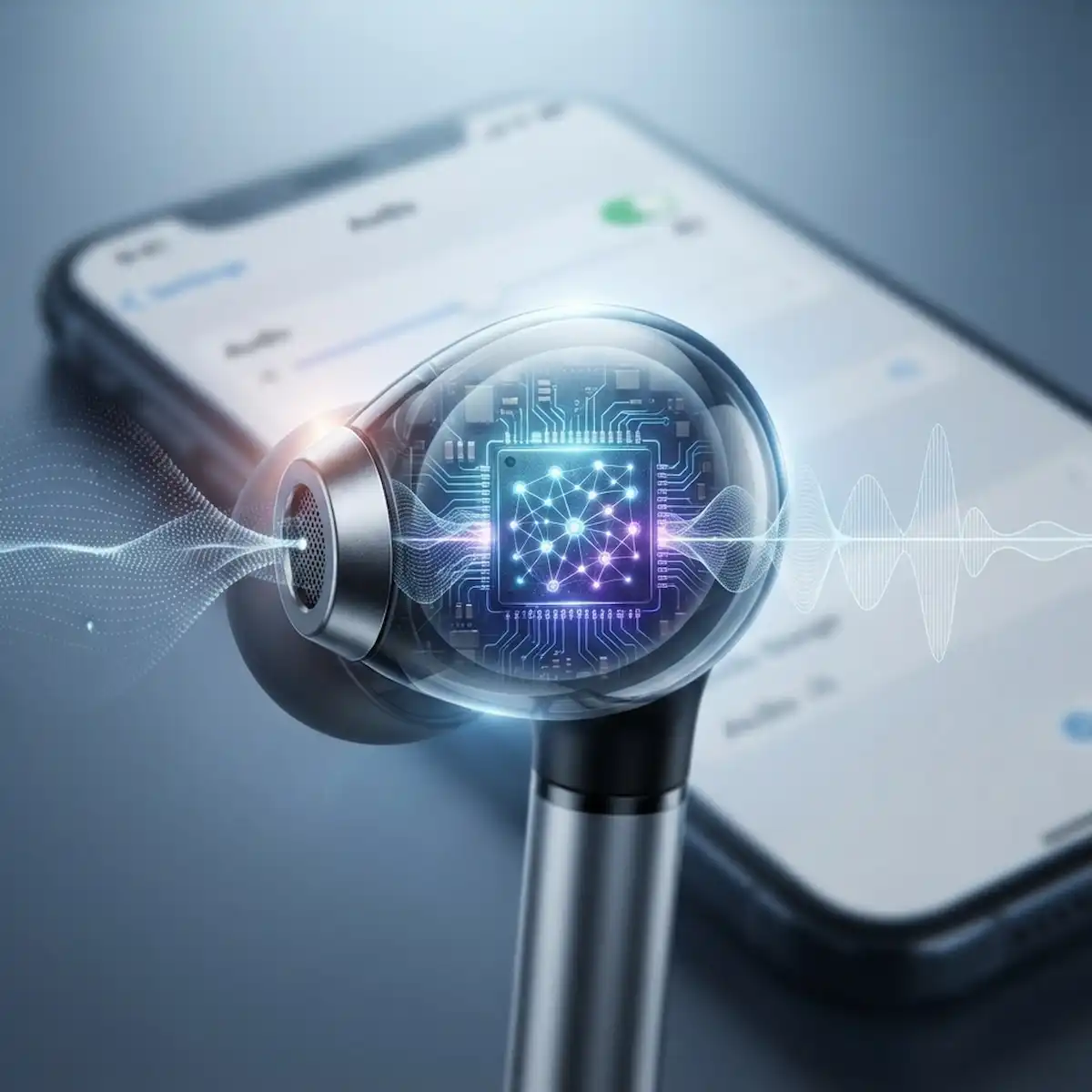
Onboard neural processing in modern wireless earbuds utilizes dedicated micro-power neural processing units and deep neural network digital signal processors embedded directly on the silicon chip to execute real-time acoustic environment classification and noise suppression locally at sub-milliwatt power draws. When evaluating how local earbud neural processing operates, walking through a bustling subway station or trying to take a work call next to a busy highway used to mean a messy compromise. Years ago, dealing with chaotic background noise required heavy lifting from your phone’s processor via Bluetooth pipelines, chewing through your smartphone battery in a few hours while introducing frustrating audio lag. Today, custom audio chips from designers like Qualcomm and Apple run local machine learning architectures right inside the plastic shell resting in your ear canal, proving that local earbud neural processing represents a massive hardware shift.
By shifting acoustic intelligence from the phone to the local earbud chip, modern audio hardware achieves sub-5-millisecond latency for ambient sound filtering. This local architecture bypasses the continuous radio frequency overhead between your phone and your ears. The following sections break down how local earbud neural processing works, how it compares across major platforms, and how you can configure your Android or iPhone settings to maximize these capabilities without draining your hardware using advanced local earbud neural processing techniques.
Why Is Local Earbud Processing Better Than Smartphone AI?
Local earbud processing relies on dedicated low-power digital signal processors and micro-NPUs integrated onto the Bluetooth system-on-chip, processing raw audio streams at the microphone level before any wireless transmission occurs. When audio data has to travel back and forth over a Bluetooth link to your phone for processing, it creates a pipeline bottleneck. Every packet transmitted introduces latency, consumes valuable RF power, and leaves your audio vulnerable to connection drops or stuttering when interference spikes, which is precisely why local earbud neural processing eliminates these wireless bottlenecks.
Processing audio locally on the earbud completely changes the equation. By placing tiny, highly quantized neural networks directly onto chips like the Qualcomm S5 or Apple H-series, the earbud analyzes sound waves sampled at rates up to 96kHz locally. It decides within microseconds which frequencies are ambient drone (like an airplane engine) and which are vital signals through efficient local earbud neural processing execution.
| Processing Architecture | Location of Neural Network | Typical Latency | Impact on Phone Battery |
| Cloud-Assisted AI | Remote Servers via Phone | 150ms – 400ms | High (Constant Cellular/Wi-Fi use) |
| Smartphone-Assisted DSP | Phone Application Processor | 20ms – 50ms | Moderate to High (Continuous Bluetooth streaming) |
| Onboard Local NPU | Directly on Earbud Chipset | 2ms – 5ms | Zero (Zero phone processor overhead) |
How Do Neural Chips Filter Environmental Noise Locally?
Local environment filtering uses deep neural networks trained on millions of distinct acoustic profiles, running inference directly on local silicon to isolate human speech from chaotic background noise. When you speak on a call or listen to music outdoors, the earbud’s internal and external microphones capture a combined wave of your voice and the surrounding chaos, which is managed seamlessly by local earbud neural processing algorithms.
Instead of relying on crude, static frequency inversion—which often muffled the user’s voice alongside the background noise—modern neural filters treat audio as a dynamic matrix powered by local earbud neural processing routines. The onboard neural network separates the audio streams into distinct layers using pattern recognition. It identifies the unique transient signature of speech and carves it out cleanly, leaving background sirens or wind noise suppressed by up to 35 decibels through continuous local earbud neural processing.
| Noise Profile | Traditional ANC Response | Onboard Neural NPU Response |
| Constant Low-End Rumble | Inverts phase to damp engine hum | Dynamically scales damping based on seal loss |
| Sudden Clatter / Keyboard | Often bleeds through or causes clipping | Isolates and mutes transient patterns instantly |
| Wind Turbulence | Creates harsh microphone howling | Real-time predictive cancellation eliminates wind buffeting |
| Emergency Sirens | Blindly blocks all high frequencies | Automatically bypasses hazard frequencies for safety |
What Are the Real-World Use Cases for Local Audio Intelligence?
Real-world use cases for onboard neural processing range from high-stakes remote office work in loud cafes to outdoor running where situational awareness is a matter of safety. In a crowded coffee shop, an earbud equipped with local earbud neural processing can distinguish between the clatter of ceramic mugs, the hum of an espresso machine, and a coworker sitting across the table. It suppresses the mechanical clatter entirely while boosting the vocal frequencies of the person speaking to you.
Another massive leap is found in outdoor fitness. Traditional noise cancellation creates a dangerous isolation bubble by blocking out all external sounds, making running near traffic hazardous. Modern local neural filtering implements selective transparency driven by local earbud neural processing. The chip continuously erases wind noise and low-end street drone while instantly punching a clean acoustic window through for car horns, bicycle bells, or approaching emergency vehicles.
How Can You Configure Android Devices for Optimal Onboard Audio?
Configuring Android devices to hand off processing responsibilities directly to your earbuds requires diving into the Bluetooth developer settings and companion device controls. Because Android powers thousands of different hardware combinations, ensuring that your phone prioritizes native hardware handshaking rather than software emulation is key to unlocking the full power of local earbud neural processing.
- Open your Android Settings app and navigate to the Connected Devices or Connected Preferences menu.
- Tap on the settings gear icon next to your connected wireless earbuds to open the dedicated device profile.
- Locate and enable HD Audio, LE Audio, or Snapdragon Sound toggles depending on your specific earbud and phone processor compatibility.
- Open the dedicated manufacturer companion application (such as Sony Headphones Connect, Bose App, or Samsung Galaxy Wearable) and navigate to the Noise Control or Ambient Sound tab.
- Switch your noise cancellation mode from a static setting to Adaptive or AI-Managed, which delegates environment processing entirely to the internal earbud chip rather than running background monitoring services on your phone, keeping local earbud neural processing active.
- Return to your main Android Settings, select System, and tap Developer Options. Scroll down to find Bluetooth Audio Codec and select the highest-tier local codec supported by your hardware (such as aptX Adaptive or LC3) to minimize phone-side processing strain.
How Do You Set Up iPhone Audio Routing for Local Earbud Processing?
Setting up iOS devices to respect local earbud processing involves configuring spatial audio, transparency profiles, and microphone routing within the accessibility and Bluetooth menus. Apple’s H-series and custom silicon architectures rely heavily on device-local decision making, but iOS menu settings can occasionally override smart features unless local earbud neural processing is explicitly unhindered.
- Unlock your iPhone and open the Settings app, then tap on Bluetooth.
- Find your connected earbuds in the list and tap the Information (i) button next to their name.
- Toggle on Noise Cancellation and ensure that Adaptive Audio or Conversation Awareness is enabled if supported by your specific hardware generation.
- Swipe down from the top right of your screen to open the Control Center, press and hold the volume slider, and verify that your listening mode is set to Adaptive rather than static full cancellation.
- Go back to the main Settings page, tap on Accessibility, scroll down to Audio/Visual, and select Headphone Accommodations. Turn this feature Off if you want the earbuds’ internal neural chip to handle custom EQ profiling natively without software interference from the iOS accessibility layer, allowing local earbud neural processing to function without interference.
- Open your phone’s primary communication apps (like FaceTime or Zoom) and check the audio input source settings to ensure the earbud’s onboard beamforming microphones are managing local voice isolation rather than routing raw feeds through iOS software filters.
How Do Different Earbud Chips Compare in Real-World Performance?
Comparing the silicon engines driving modern wireless audio reveals distinct engineering philosophies among major manufacturers. Some focus heavily on ultra-low power consumption for marathon battery life, while others dedicate massive die space to dense neural network computing cores for real-time acoustic translation, all built upon robust local earbud neural processing frameworks.
| Chip Platform | Target Hardware | NPU / DSP Core Architecture | Typical Battery Impact | Key Acoustic Strength |
| Qualcomm S5 / S7 Gen Series | Premium Android Flagships | Dedicated Micro-NPU + Dual 240MHz DSP | Ultra-Low (Hardware-offloaded) | Adaptive ANC & lossless low-latency audio |
| Apple H2 Silicon | AirPods Ecosystem | Custom Apple Audio Core + Neural Engine | Extremely Low | Computational audio & real-time spatial tracking |
| BES / Airoha Platforms | Mid-Range & OWS Earbuds | Integrated Low-Power Tensilica DSP | Minimal | Cost-effective DNN voice isolation |
Frequently Asked Questions
Does local neural noise cancellation drain the battery inside the earbud?
Running neural processing on specialized silicon cores requires micro-amperes of current, which has a negligible impact on battery life. Modern earbud chips are built with dedicated hardware accelerators specifically designed to run machine learning inferences without waking up the main processor cores, allowing local earbud neural processing to maintain 6 to 8 hours of continuous playback even with advanced filtering active.
Do I need an internet connection for earbud AI features to work?
True onboard neural processing happens entirely offline on the physical chip inside your earbud. It does not require a Wi-Fi or cellular data connection because the machine learning models are pre-trained and flashed directly onto the hardware’s local memory during manufacturing, ensuring local earbud neural processing remains completely independent of cloud servers.
Can older earbuds receive local AI upgrades via software updates?
Older earbud model architectures lack the physical hardware accelerators, dedicated NPU silicon, and high-performance microphone arrays required to run local deep neural networks. While software updates can optimize existing digital signal processing filters, they cannot add local earbud neural processing capabilities to chips that lack the necessary hardware architecture.
Why do some earbuds still pick up wind noise despite having neural chips?
Severe wind turbulence creates physical diaphragm distortion across the outer microphone mesh that can overwhelm even advanced acoustic algorithms. While local earbud neural processing excels at filtering constant aerodynamic drone, extreme gusts that physically saturate the microphone port require specialized physical wind-mesh barriers alongside software filtering to fully neutralize.
Additional Helpful Information
- Smart Ring vs Smartwatch vs Smart Earbud delima – Smart Ring vs Smartwatch vs Earbuds Heart Rate and Sleep Tracking Accuracy
- Learn about open ear vs in ear designs – Open Ear Smart Design vs In Ear Tips: The Ultimate Comfort Guide for All-Day Audio