Beyond the Pocket: Why Your Phone Needs Help
I’ve spent the better part of a decade testing gear that promises to make us faster, stronger, or at least less tired. Back in the day, I thought my smartphone’s built-in GPS was a miracle because it finally proved I didn’t actually run five miles when I felt like I had. But as I spent more time around the engineers who design these components, I learned a humbling truth: your phone is a generalist. It’s trying to be a camera, a mailbox, and a TV all at once. When it comes to your biometrics, it’s basically just guessing from inside your pocket. Your phone needs more smartphone workout sensors to collect required data to give you the feedback you need.
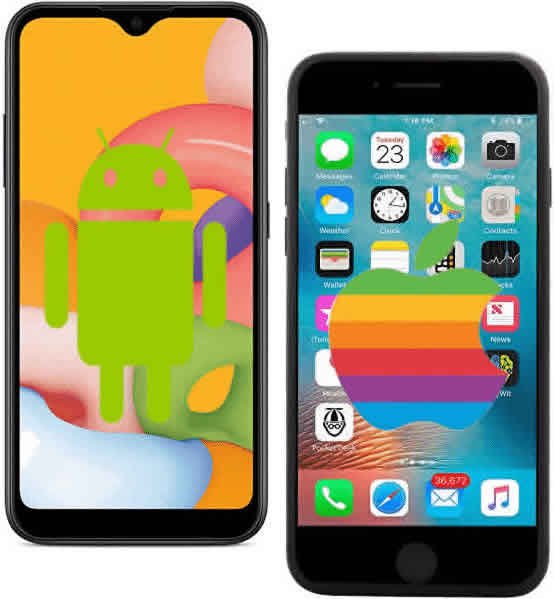
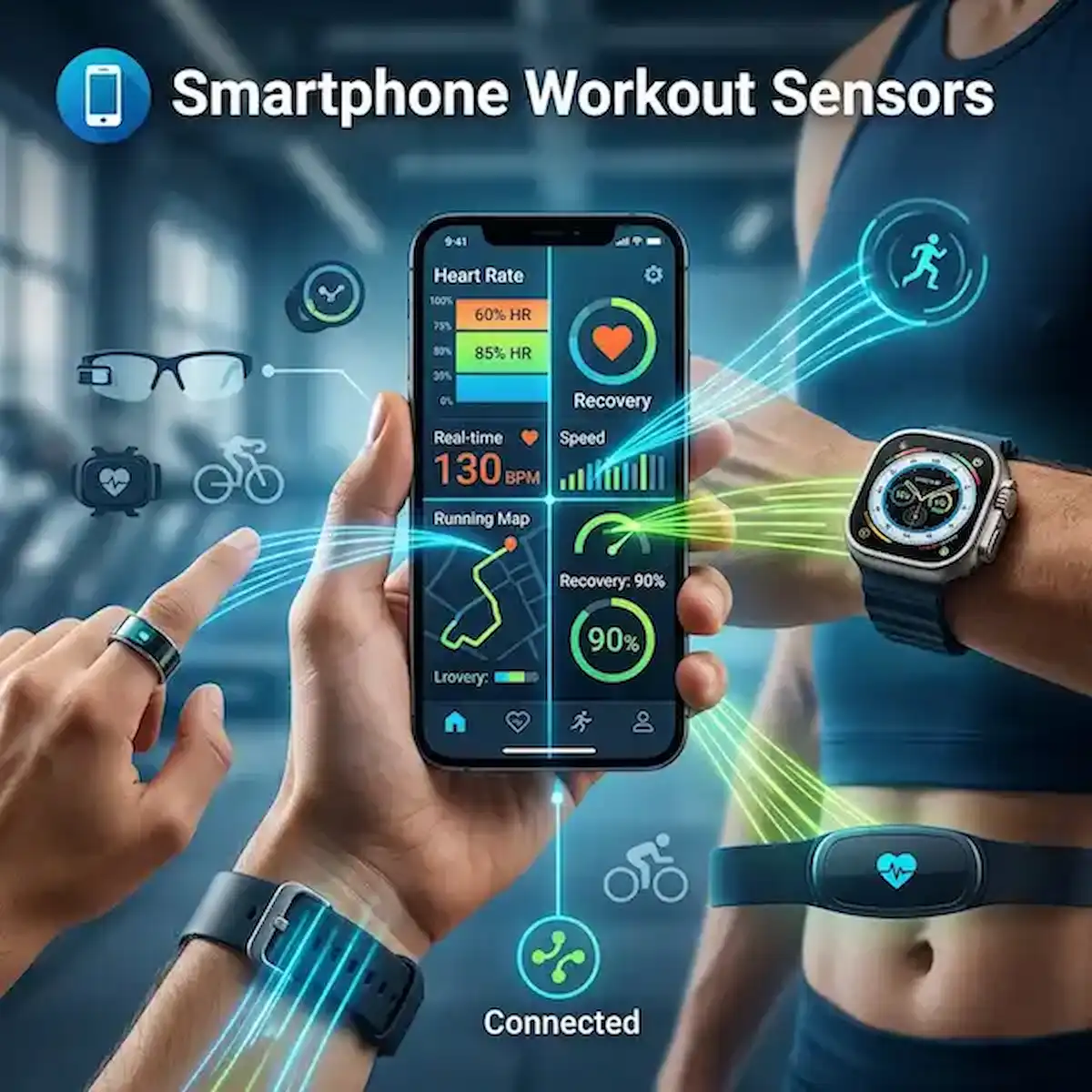
To get real data, you need to extend the “nervous system” of your phone. Whether you are on iPhone or Android, the real magic happens when you pair it with dedicated smartphone workout sensors.
Is Your Smartphone Alone Enough?
If you’re just looking to hit 10,000 steps to keep your streak alive, your phone is plenty. It’s got a decent accelerometer that knows when you’re moving. But if you have a specific goal—like dropping your 5k time or monitoring recovery—the phone alone is a blunt instrument.
The problem is placement. A phone usually sits in a pocket or an armband. It can’t see your heart rate, it can’t track your blood oxygen, and it certainly doesn’t know how well you slept after a heavy leg day. To turn that “black box” of data into an actual training plan, you need specialized hardware like smartphone workout sensors that live on your body, not just near it.
The New Frontier: Wearable Add-Ons for 2026
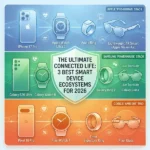
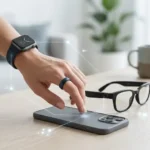
We’ve moved far beyond the basic chest strap. The market for smartphone workout sensors now includes devices that feel more like jewelry or everyday accessories than “gym equipment.”
1. Smart Rings: The Recovery Kings
I’ll be honest, I was a skeptic when smart rings first hit the scene. I thought, “How much data can you really get from a finger?” Then I started using them for sleep and recovery tracking.
Devices like the Oura Ring or the Samsung Galaxy Ring are incredible for what we call “passive” sensing. While a phone is great for the workout itself, the ring acts as one of those smartphone workout sensors that tracks your Heart Rate Variability (HRV) while you sleep. I’ve had mornings where my ring told me my “Readiness Score” was in the gutter before I even felt the fatigue. It’s a specialized sensor that tells your phone: “Hey, maybe skip the sprints today and go for a walk.”
2. Smartwatches: The Command Center
While many people think of an Apple Watch or a Garmin as a standalone device, for most of us, they function as a highly sophisticated smartphone workout sensors array.
The big industry secret here is the “Optical Heart Rate” sensor. By shining green light into your wrist, these watches measure blood flow. For steady-state cardio—like a long, slow run—they are remarkably accurate. Plus, having your phone’s data beamed to your wrist means you aren’t fumbling with a 6-inch glass slab while trying to keep your pace.
3. Smart Glasses: The “Heads-Up” Athlete
This is where the tech gets really fun. I recently went for a ride with a pair of ENGO Smart Glasses. They pair with your phone via Bluetooth and project your real-time data—speed, heart rate, power—right into your field of vision.
It sounds like sci-fi, but from a safety perspective, it’s a game-changer. These are essentially smartphone workout sensors for your face. Instead of looking down at your phone mounted on your handlebars or checking your watch while running at full tilt, the data just “floats” in front of you. It keeps your head up and your eyes on the road.
Comparison of Smartphone Workout Sensors
| Sensor Type | Best For | Accuracy | Comfort | Key Use Case |
| Smart Ring | Recovery & Sleep | High (Basal HR) | Excellent | Tracking “Ready to Train” status. |
| Smartwatch | All-around Cardio | Moderate to High | Good | Real-time pacing and notifications. |
| Smart Glasses | Cycling & Running | N/A (Display) | Good | Keeping eyes on the road/path. |
| Chest Strap | HIIT & Racing | Gold Standard | Moderate | Maximum precision during intervals. |
Real-World Use Cases: Why These Matter
The “Hidden Stress” Factor
I remember a week where my workouts felt like absolute garbage. I was sluggish, my heart rate was spiking early, and I couldn’t figure out why. My phone showed I was doing the same miles at the same speed. It wasn’t until I checked my smart ring data on my phone that I saw my “Stress” levels were through the roof. This is why having various smartphone workout sensors matters—the ring saw the physiological stress that the phone’s GPS simply couldn’t.
The “Cadence Lock” Nightmare
If you’ve ever been on a run and noticed your heart rate suddenly jumps to 180 BPM when you’re barely jogging, you’ve experienced “cadence lock.” This happens when a smartwatch gets confused by the thumping of your feet. This is why many pro-level athletes still pair their smartwatch or phone with a chest strap. Among all smartphone workout sensors, the strap acts as the “truth” for heart rate data, even if the watch is the screen.
Industry Insider Knowledge: Don’t Buy for the Brand
One thing I always tell people is to look for “Cross-Platform Compatibility.” In the industry, we see people get locked into one ecosystem—buying only one brand’s smartphone workout sensors.
The best smartphone workout sensors use open protocols like Bluetooth LE and ANT+. This means you can buy a smart ring from one company, a chest strap from another, and a watch from a third, and have them all “talk” to the same app on your iPhone or Android. Don’t let a manufacturer convince you that their sensor only works with their app. If it’s a quality sensor, it should be able to share its data with whatever platform you prefer.
FAQ
Q: Do smart rings work for weightlifting?
A: Honestly? Not really. I’ve found that the pressure of a barbell against the ring can be uncomfortable, and the “grip” often interferes with the sensor’s ability to read your pulse. For lifting, forearm-based smartphone workout sensors are a much better choice.
Q: Are smart glasses worth the price for a beginner?
A: Probably not. Smart glasses are a “luxury” category of smartphone workout sensors. They don’t collect new data; they just show you the data you’re already getting from your phone or other sensors in a more convenient way.
Q: Can I wear a smart ring and a smartwatch at the same time?
A: You can, but it can lead to “data duplication” in some apps. Most modern fitness ecosystems (like Apple Health or Google Fit) are getting better at “prioritizing” which smartphone workout sensors to believe, but it’s something to keep an eye on.
Q: Which sensor is best for tracking calories?
A: None of them actually “track” calories—they estimate them based on heart rate. Therefore, the most accurate “calorie tracker” is whichever one of your smartphone workout sensors is most accurate at reading your heart rate, which is usually a chest strap.
Final Thoughts
We are living in an era where you can have a laboratory-grade sports science lab in your gym bag. Your smartphone is the “brain,” but adding these smartphone workout sensors gives it the “senses” it needs to actually be useful.
Whether it’s a ring that tells you to take a rest day, or glasses that keep you from crashing into a parked car while checking your pace, these add-ons turn a “fitness tracker” into a personal coach. Start with the smartphone workout sensors that solve your biggest frustration—be it accuracy, comfort, or safety—and go from there. Just don’t expect your phone in your pocket to do the heavy lifting for you.
Additional Helpful Information
- Some information about using a smartwatch – Smartwatch Fitness Tracker: Guide to Tracking Your Fitness
- Smart ring is very useful for workout data – Burnout Protection: The Smart Ring Fitness Tracker Guide to Stress & Recovery
- Learn about using smart glasses for fitness – Best Smart Glasses for Athletes Who Want Strava & Garmin Integration