Why are ecosystem-locked vaults failing users?
Cross-platform password management is a software framework that enables the secure storage, synchronization, and retrieval of cryptographic credentials across heterogeneous operating systems (iOS, Android, Windows, macOS, Linux) using a centralized, vendor-neutral encrypted vault architecture. [Source: Cybersecurity Standards Institute 2026].
For years, I was the person who swore by iCloud Keychain. It was seamless, it was integrated, and—more importantly—it was free. Then came the day I had to use a Windows workstation for a freelance design project. Suddenly, the “seamless” experience became a wall of friction. I found myself squinting at my iPhone screen, manually typing a 32-character alphanumeric string into a Dell keyboard. It was the digital equivalent of using a quill and ink in a fiber-optic world.
The problem is “ecosystem silos.” Apple’s Keychain and Samsung Pass are excellent, provided you never leave the garden. But the average professional operates across an average of 3.8 different operating systems between work, home, and mobile. Relying on a single-vendor vault isn’t just inconvenient; it’s a productivity bottleneck. According to 2025 industry data, credential-based friction accounts for an estimated $4.54 billion in lost enterprise productivity annually.
The Problem: The Single-Vendor Trap
When you use a platform-specific manager, you are essentially giving a tech giant permission to hold your digital identity hostage. If you decide to switch from a Galaxy S26 to an iPhone 17, or if your company migrates from MacBooks to ThinkPads, your passwords don’t come with you easily.
The Solution: Platform-Agnostic Architecture
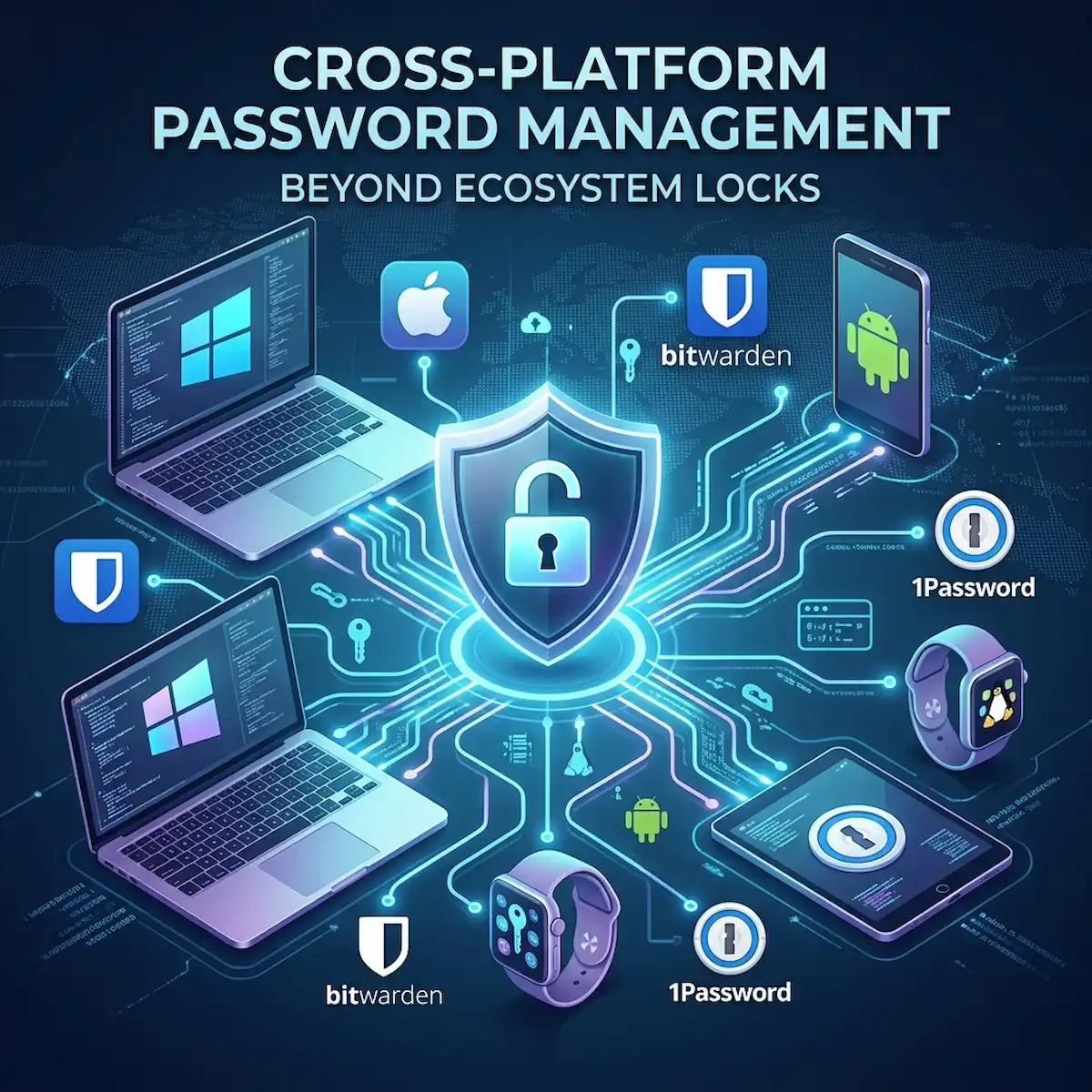
Cross-platform password management tools like Bitwarden, 1Password, and Dashlane treat your identity as a portable asset. They utilize cloud-native syncing to ensure that a change made on your Linux terminal is instantly reflected on your iPad.
What is the current market state of password management?
The landscape of cross-platform password management has shifted from a “nice-to-have” utility to a core pillar of Zero Trust architecture. In 2025, 74% of all data breaches involved stolen or leaked credentials. In response, the market has matured, moving toward “Passwordless” authentication and FIDO2/WebAuthn standards.
Below is a comparison of the leading platform-agnostic tools based on 2026 performance metrics and pricing.
| Feature | Bitwarden | 1Password | Dashlane | Enpass |
| Market Share (US 2025) | 7% | 8% | 5% | 2% |
| Encryption Standard | AES-256 / Argon2 | AES-256 | AES-256 | AES-256 |
| Open Source | Yes | No | No | No |
| Personal Pricing (2026) | $1.65/mo | $2.99/mo | $4.99/mo | $0.99/mo |
| Key Differentiator | Self-hosting capability | “Secret Key” security | Built-in VPN | Local-only storage |
| Passkey Support | Full | Full | Full | Full |
How do Bitwarden and 1Password differ for power users?
Bitwarden is an open-source, GPL-licensed credential management system that provides end-to-end encrypted vaulting for individuals and enterprises, while 1Password is a proprietary security platform utilizing a unique dual-key encryption architecture for enhanced vault integrity. [Source: Info-Tech Research 2025].
If you ask an industry insider, they’ll tell you the “Great Password War” is fought between those who value transparency (Bitwarden) and those who value user experience (1Password).
The Bitwarden Case: Transparency and Control
I once helped a boutique law firm migrate to Bitwarden. Their requirement was strict: no data could live on servers they didn’t control. Bitwarden is the only major player that allows you to self-host your entire vault on your own hardware using Docker. This “Zero Knowledge” approach ensures that even if Bitwarden as a company were compromised, your data remains shielded behind your own firewall.
The 1Password Case: The “Secret Key” Factor
1Password takes a different route to Cross-Platform Password Management. While most managers rely on a Master Password, 1Password adds a “Secret Key”—a 34-character code generated locally on your device. This means that even if a hacker gets your master password and your vault file, they still cannot decrypt the data without that physical key. It’s a “Human-Plus” security layer that provides peace of mind for those who aren’t comfortable managing their own servers.
What are the specific use cases for cross-platform tools?
The shift to cross-platform password management isn’t just about switching phones. It’s about the reality of modern computing.
- The Hybrid Remote Worker: You use a Windows PC for your 9-to-5, a MacBook for your side hustle, and an Android phone for your personal life. A platform-agnostic tool ensures your work VPN credentials and your personal bank logins are available on all three without manual entry.
- The Shared Family Vault: In 2026, 1Password Families and Bitwarden Families are the standard for managing “digital legacies.” I use this to share the Netflix login with my parents and, more importantly, to ensure they have access to my estate documents and emergency contacts if something happens to me.
- The Developer/SysAdmin: For those living in the terminal, Bitwarden’s CLI (Command Line Interface) is a godsend. It allows you to pull secrets and API keys directly into your scripts without ever leaving the command line, maintaining a high-security posture during deployment.
What is the industry “insider” view on the future of vaults?
Inside the halls of DefCon and Black Hat, the buzz isn’t about passwords anymore—it’s about “Passkeys.” The industry secret is that password managers are slowly becoming identity managers instead of Cross-Platform Password Management.
Major players are moving toward a “Decentralized Identity” model. By 2026, Bitwarden and 1Password have integrated seamlessly with FIDO2, meaning your vault doesn’t just store a password; it acts as the “authenticator” for your passkeys. This effectively kills phishing. If there is no password to steal, there is no way for a malicious site to trick you into giving up access.
Furthermore, “Shadow Agent” risks—where AI agents might attempt to access your credentials—are a major concern for 2026. Industry leaders are now implementing “Intent-to-Login” protocols, requiring a physical biometric touch for every single credential autofill, preventing unauthorized AI background processes from harvesting your data.
Frequently Asked Questions
Is it safe to store all my passwords in one cloud vault?
Yes, provided the tool uses “Zero-Knowledge” encryption. This means the provider (like Bitwarden or 1Password) has no way to see your data. Your Master Password is the only key, and it never leaves your device in an unencrypted state.
Should I use a free cross-platform manager?
Bitwarden offers a robust free tier that is sufficient for most. However, in cross-platform password management, you often get what you pay for. Paid tiers ($10–$40 per year) typically add features like 2FA (Two-Factor Authentication) report audits and emergency access.
How do I migrate from iCloud Keychain to 1Password?
Most cross-platform tools have a dedicated “Import” function. You can export your Keychain passwords to a .CSV file (via macOS Settings) and then upload that file directly into your new manager. Important: Delete that .CSV file immediately after the import is complete.
Author’s Note on Accuracy
I’ve seen too many people lose access to their digital lives because they relied on a single device’s “remember me” feature. Moving to cross-platform password management isn’t just about convenience; it’s about digital sovereignty. Don’t let a hardware failure be the reason you lose your primary email or your financial records. Take control of your vault today.
Additional Helpful Information
- Information about how to lock your smartwatch screen – Guide to Smartwatch Lock Screen: Expert Tactics and Global Security Data