Best Ways to Stream Movies and Watch Offline
Mobile data caps and spotty airplane Wi-Fi are the enemies of a good movie night. Whether you are prepping for a long-haul flight or trying to save on data costs during your commute, having your library pre-loaded is a game changer. Juggling storage space and format compatibility can be a headache, but the secret is understanding how different media sources handle local files. If you want to stream movies and watch offline without the frustration of buffering, it really comes down to mastering the tools already at your fingertips.
Key Takeaways
- Local storage management is essential; a single high-definition film can consume between 1.5GB and 5GB of device memory, making 1080p the optimal balance for mobile screens.
- Streaming platforms enforce strict digital rights management (DRM) and licensing clocks, typically expiring downloaded content 48 hours after playback begins or 30 days after the initial download.
- Transcoding physical media into universal formats like MP4 using tools such as HandBrake remains the most reliable way to stream movies and watch offline from a personal media archive without subscription dependencies.
- Advanced local playback apps like VLC for Mobile and Plex bypass proprietary restrictions, allowing users to stream movies and watch offline regardless of network connectivity or codec limitations.
- Modern mobile operating systems handle external storage differently; Android natively supports direct SD card offloading for massive media libraries, while iOS relies heavily on internal storage or local network streaming shares.
How do streaming services handle mobile offline playback?
Offline mobile playback is the capability of a digital media platform to store encrypted video files locally on a device’s internal or external storage, enabling users to access and play content without an active internet connection or cellular data. Most major streaming platforms have streamlined this process, though specific permissions vary wildly depending on licensing agreements. If you use Netflix or Google TV, you can easily stream movies and watch offline once you manage your device storage before hitting the road. A critical industry insight to keep in mind is that many services enforce a licensing clock. Once you start to stream movies and watch offline, you might only have 48 hours to finish the film once you hit play. After that, the license expires and forces you to reconnect to the internet to verify the content.
| Platform | Offline Capability | Primary Constraint |
| Netflix | Extensive library coverage | Strict device, download, and profile limits |
| Google TV | Universal format support | Dependent on network and account settings |
| Prime Video | Select titles available | Specific download caps per account |
| Apple TV | Highly integrated with hardware | Device-specific library sync restrictions |
What are the step-by-step instructions for iPhone and Android?
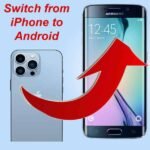
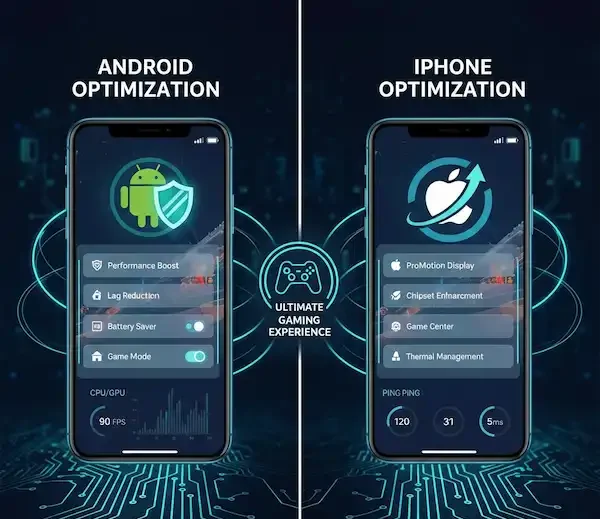
Setting up your mobile device requires navigating different operating system directories and app limitations. To stream movies and watch offline on an iPhone, you must contend with tightly walled storage partitions, whereas Android users enjoy a bit more flexibility with file placement.
Step-by-Step Instructions for iPhone
- Open your preferred streaming application such as Netflix, Amazon Prime Video, or Apple TV.
- Search for the film or television show you want to save for your trip.
- Tap the download icon, which is typically represented by a downward-facing arrow next to the title.
- Navigate to your application settings to ensure your download quality is set to high or standard depending on your remaining free space.
- Access your saved content later by tapping the Downloads or Library tab at the bottom of the app interface.
- Launch your movie directly from the offline repository without turning on cellular data.
Step-by-Step Instructions for Android
- Open your chosen streaming platform like Netflix, Google TV, or Disney+.
- Locate the specific media file you intend to watch during your commute or flight.
- Tap the download symbol to initiate the background transfer of the encrypted video file.
- Go to your device storage settings or app preferences to select whether downloads save to internal memory or an inserted micro SD card.
- Open the Downloads menu inside the app to confirm the file has finished transferring completely.
- Play the media file directly from the local cache while your device is in airplane mode.
Whenever you want to stream movies and watch offline, double-check that your downloads finished completely before leaving your home Wi-Fi network. You can explore more technical device management guides on TechCrunch to optimize your hardware setup.
How can you convert your physical DVD collection for travel?
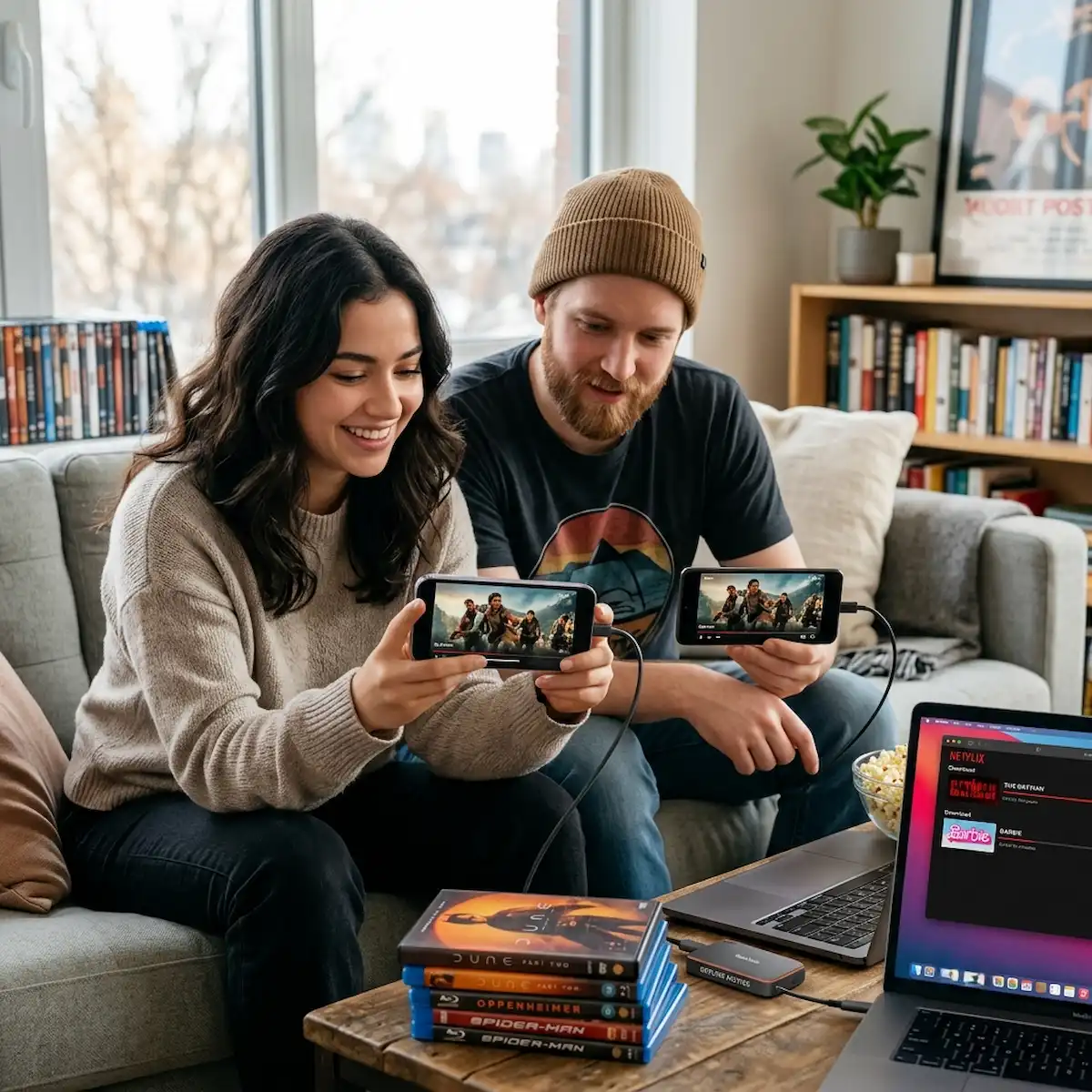
Digital conversion is the process of extracting raw video data from an optical disc and re-encoding it into a compressed, mobile-friendly file format like MP4 or MKV for seamless playback on modern mobile hardware. Keeping an external hard drive filled with cult classics that are missing from streaming catalogs is a great way to stream movies and watch offline on your own terms. Using open-source tools like HandBrake keeps files clean, organized, and manageable without bloating your hard drive. Industry insiders know that MP4 is the universal standard. If you try to move raw uncompressed files onto your phone, the operating system simply will not recognize them. You must transcode to stream movies and watch offline successfully.
Converting Your Physical Collection
- Insert the DVD or Blu-ray disc into your computer’s optical drive.
- Launch HandBrake and allow the application to scan the source disc contents.
- Select the Fast 1080p or Fast 720p preset from the panel to balance visual quality and file size.
- Choose MP4 as your container format in the summary tab.
- Click the Start Encode button at the top of the window and wait for the conversion to finish.
- Transfer the newly minted file to your mobile device via cloud storage, local network sharing, or a direct USB cable.
| Tool Name | Primary Function | Ideal Output Format |
| HandBrake | Open-source video transcoding | MP4, MKV |
| MakeMKV | Lossless optical disc backup | MKV |
| VLC Media Player | Direct disc playback and conversion | TS, MP4 |
What are the best apps to manage your local library?
A media player application is software designed to interpret, decode, and render video file formats, providing an interface for playback control, subtitle management, and library organization across various hardware architectures including iOS and Android ecosystems. While default system players are fine for basic video clips, they frequently struggle with custom files, unusual audio codecs, or external subtitle tracks. To stream movies and watch offline with a professional grade experience, consider leveraging dedicated third-party media software.
- VLC for Mobile: The undisputed king of media playback. It handles virtually every codec imaginable, letting you stream movies and watch offline without conversion headaches.
- Plex: Perfect if you want a gorgeous, Netflix-style interface for your local digital files streamed directly to your mobile device over a home server or downloaded locally.
- Infuse (iOS): Offers the absolute best user interface for Apple users, supporting high-end audio formats like Dolby Atmos and seamless cloud drive integration.
| App Name | Platform Support | Best Use Case |
| VLC for Mobile | iOS and Android | Maximum format compatibility and raw playback |
| Plex | iOS and Android | Server-based organization and remote syncing |
| Infuse | iOS and Apple TV | Premium Apple hardware integration and Dolby audio |
What are the primary use cases for offline media consumption?
Different environments demand different strategies when you want to stream movies and watch offline. Understanding your specific scenario helps you allocate storage space efficiently.
- Long-Haul International Flights: Airplane Wi-Fi is notoriously sluggish and expensive. Pre-loading high-capacity action films or multi-episode TV shows ensures uninterrupted entertainment across time zones.
- Daily Subway Commutes: Underground tunnels completely drop cellular signals. Having a synchronized playlist of short documentaries or independent films keeps your commute engaging.
- Remote Travel and Camping: Venturing off-grid means zero cell towers. Carrying an offline library on an expanded SD card or external SSD provides total media independence.
- Bandwidth Preservation at Home: Downloading media during off-peak ISP hours prevents household network congestion and helps manage strict monthly data caps imposed by internet providers.
Frequently Asked Questions
Will high-quality files fill my phone storage?
Yes. A high-resolution 4K file can easily exceed 5GB of storage space. Most users who stream movies and watch offline find that 1080p resolution provides the absolute sweet spot between visual fidelity and manageable file sizes.
Is it legal to convert my own DVDs?
Generally speaking, creating a personal backup copy of physical media you legally own falls under fair use doctrines in several jurisdictions, though distributing those digital files publicly or uploading them to file-sharing networks remains strictly illegal.
Why do my mobile downloads disappear unexpectedly?
This is primarily a digital rights management and licensing issue. Streaming platforms frequently set strict expiration timers on downloaded files when you stream movies and watch offline to ensure you maintain an active monthly subscription status.
Can I move downloaded files to an external SD card?
On Android devices, yes. Most major media applications allow you to designate external micro SD cards as your primary download directory, which is a massive lifesaver for users with limited internal phone storage.ine directly to an SD card. iOS does not support external storage.
Additional Helpful Information
Learn more about downloading music – How to Download Music Offline on Android and iPhone