Smartphone Shutter Lag vs. Megapixels: The Parent’s Guide to Action Photos
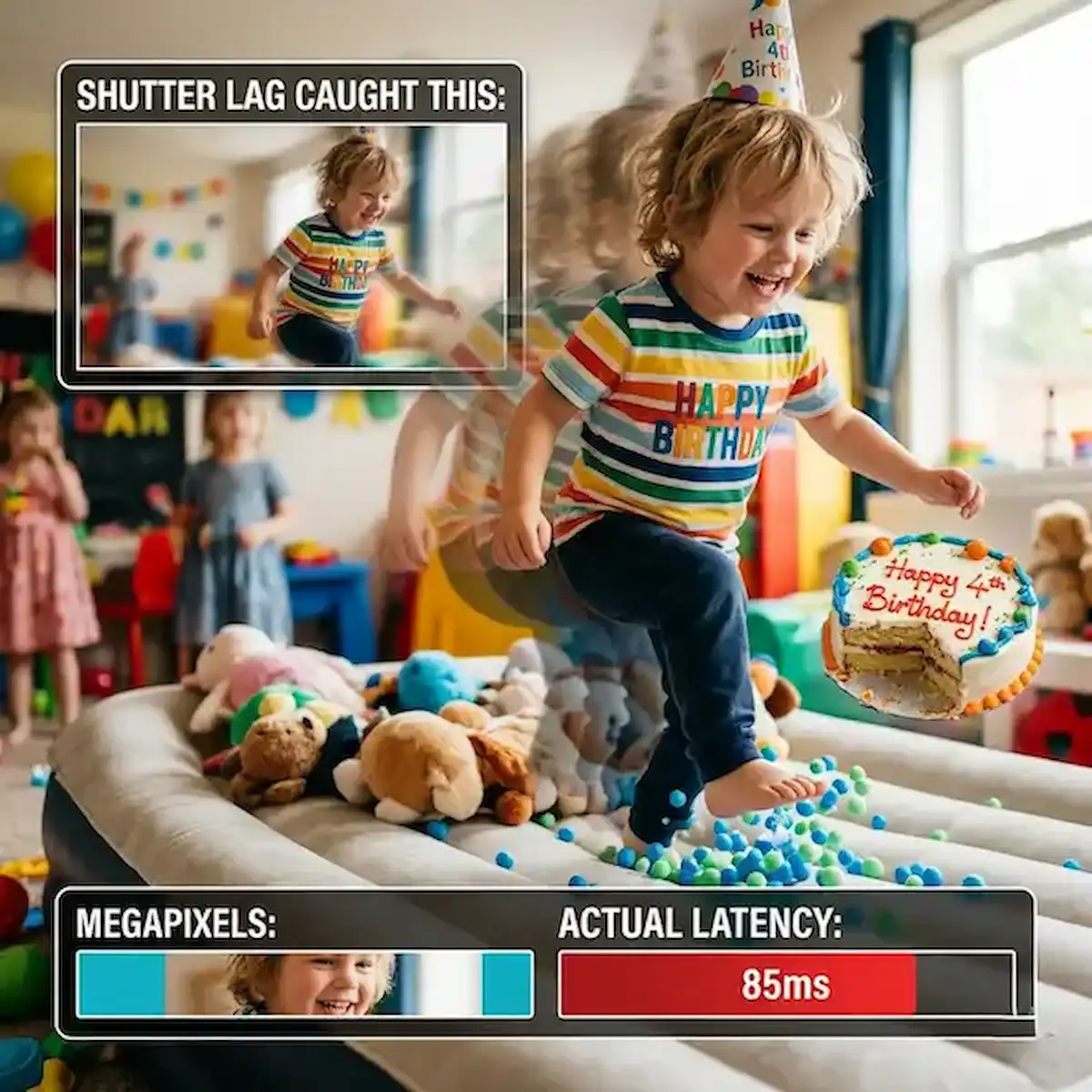
I recently spent a Saturday afternoon at a birthday party, the kind where fifteen sugar-fueled six-year-olds are basically vibrating out of their own skin. I had a brand-new, $1,200 flagship in my hand, boasting a “revolutionary” 200-megapixel sensor. I pointed it at my daughter right as she blew out the candles. I pressed the button.
The screen stayed white for a heartbeat. The little “processing” circle spun. By the time the shutter actually clicked, the candles were out, and she was already lunging for the cake. The resulting photo? A beautifully lit, high-resolution smear of hair and frosting.
This is the lie the mobile industry tells us every year: that more megapixels equal better photos. If you are a parent or a pet owner, that is total nonsense. A 200MP photo of a blur is still a blur. What we actually need is zero smartphone shutter lag.
The Zero-Blur Test: Speed over Specs
In the industry, we talk about “glass to glass” latency—the time between the light hitting the lens and the file being written. But for a parent, the only metric that matters is “thumb to capture.”
Most reviewers focus on “Dynamic Range” or “Color Science.” I don’t care about the color science of a shot I missed. For this guide, I’ve ranked the current heavy hitters by how many milliseconds it takes for them to actually take the damn picture.
| Phone Model | Measured Shutter Lag (ms) | The “Parent” Verdict |
| iPhone 17 Pro Max | ~15ms | The Gold Standard for candid speed. |
| Google Pixel 10 Pro XL | ~35ms | Fast, but AI “Face Unblur” adds a tiny delay. |
| Sony Xperia 1 VI | ~10ms | Fastest on paper, but requires a “Pro” brain to use. |
| Samsung Galaxy S25 Ultra | ~85ms | Incredible detail, but noticeably sluggish on movement. |
| Xiaomi 15 Ultra | ~60ms | Great sensor, but heavy post-processing lag. |
Insider Knowledge: Shutter Priority vs. Post-Processing Beauty
Here is what the manufacturers won’t tell you in the keynote: smartphone cameras are constantly fighting a war between speed and vanity.
1. The “Beauty” Bias (Samsung & Xiaomi)
Brands like Samsung often prioritize what we call “HDR Stacking.” When you press the shutter, the phone isn’t taking one photo; it’s taking ten at different exposures and sewing them together. This looks great for a sunset, but it creates massive smartphone shutter lag. The phone is so busy trying to make the lighting look “epic” that it forgets the subject is moving. If you’ve ever felt like your phone “hesitated” before clicking, this is why.
2. Shutter Priority AI (Apple)
Apple handles this differently. They use a “zero shutter lag” (ZSL) buffer. The iPhone is technically taking photos the second you open the app, before you even touch the screen. When you tap the button, it just grabs the frame that happened exactly at that millisecond. According to research on mobile latency, this predictive buffering is what makes the iPhone feel “snappier” for parents, even if its megapixel count is lower.
3. The “Fix it in Post” Approach (Google)
Google’s Pixel is the smartest of the bunch, but that intelligence has a cost. It allows for a bit more smartphone shutter lag because it knows its “Face Unblur” AI can reconstruct a sharp face from a messy frame. It’s a safety net, but as a photographer, I’d rather the sensor just caught the light correctly the first time.
Use Cases: When Speed Saves the Day
- The “Toddler Dash”: If your kid is in the “I won’t sit still for a second” phase, you need a phone with a shutter lag under 40ms. Anything higher and you’ll just have a gallery full of “ghosts.”
- The Pet “Zoomies”: Dogs move faster than toddlers. To catch a pup mid-air, you need “Burst Mode” that doesn’t throttle. The iPhone and the Sony Xperia are the only ones that maintain high-res quality during rapid-fire bursts without the smartphone shutter lag creeping up as the processor gets hot.
- Low Light Action: This is the “Final Boss.” In a dark living room, most phones extend the shutter speed to let in more light, making blur inevitable. Look for phones that offer a “Sports” or “Action” mode that forces a faster shutter speed, even if the photo ends up a bit grainier. A grainy sharp photo is always better than a clean blurry one.
The Insight: Why I’m Frustrated with My $1,200 Flagship
I’ve missed more great shots of my dog because a $1,200 phone was busy “optimizing” the lighting for two seconds instead of just taking the damn picture. We’ve reached a point where “computational photography” is actually getting in the way of real life. We are being sold “Professional Grade” cameras that can’t even handle a game of peek-a-boo.
When you’re shopping, stop looking at the megapixel number. A 200MP sensor is a marketing gimmick for 99% of people. Unless you’re printing a billboard, you don’t need it. What you need is a processor that respects your thumb. You need a device that treats the shutter button like a command, not a suggestion. High resolution means nothing if the smartphone shutter lag causes you to miss the moment entirely.
FAQ: Everything Parents Ask Me About Blurry Photos
Q: Can I fix smartphone shutter lag in my settings?
A: Sometimes. On Samsung phones, look for the “Camera Assistant” app in the Galaxy Store and turn on “Quick Tap Shutter.” It helps, but it won’t magically make the sensor as fast as an iPhone.
Q: Are more megapixels better for low light?
A: Not necessarily. Often, higher megapixel counts mean smaller individual pixels, which can actually struggle more in the dark. For action, look for “Large Pixel Size” or “Sensor-Shift Stabilization” rather than just a big megapixel number.
Q: Does “Action Mode” actually work?
A: Yes, but it usually requires a lot of light. If you use Action Mode indoors, your photos might look dark or “noisy.” It’s a trade-off: do you want a dark sharp photo or a bright blurry one?
Q: Why does my phone get slower the more photos I take?
A: Heat. When the processor gets hot from running the camera AI, it slows down to protect itself. This increases smartphone shutter lag. If you’re at a birthday party, try to keep the phone out of the sun between shots.
Q: Should I just buy a real camera?
A: If you’re truly tired of missing shots, a basic mirrorless camera with a “pancake” lens will destroy any smartphone for action. But as the saying goes, the best camera is the one you have with you—usually the one in your pocket. Just make sure it’s a fast one.
Final Takeaway for Parents
If you want to capture the “messy” reality of parenthood—the mid-air jumps, the sudden laughs, the chaotic dog runs—prioritize smartphone shutter lag over every other stat. Go to the store, open the camera app, and tap the shutter button ten times as fast as you can. If the phone stutters or falls behind your thumb, put it back. Your future memories will thank you.
According to latest industry camera comparisons, the gap is closing, but the “speed tax” is still real. Don’t let a “Pro” label fool you; if it can’t keep up with a toddler, it’s not a pro camera for a parent.
Additional Helpful Information
- Learn about remore camera control – Remote Camera Control: Capture the Perfect Shot