
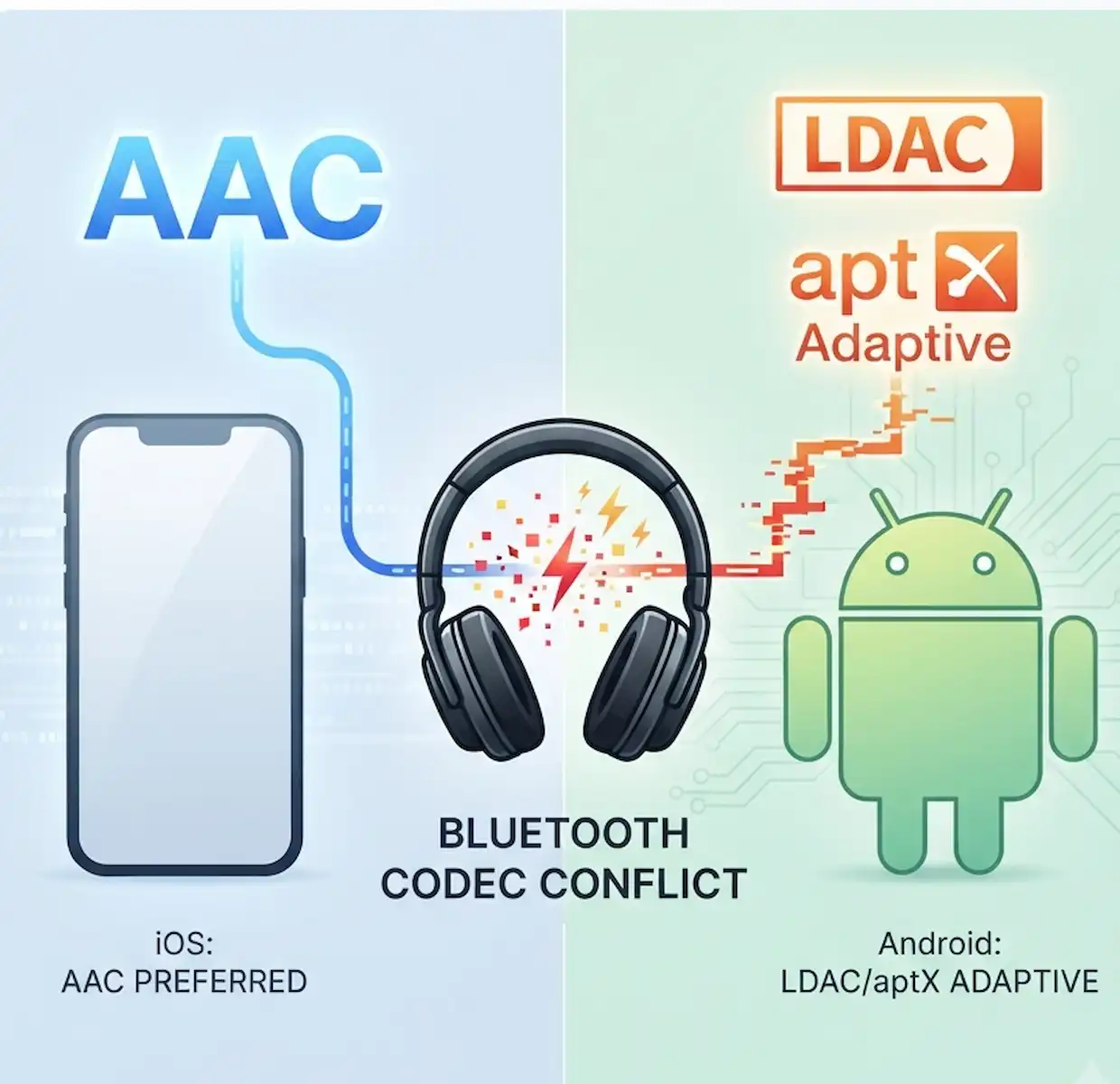
Key Takeaways
- The Core Problem: Audio stutters when switching between iPhone and Android because headphones struggle to instantly re-negotiate the drastic change in audio compression algorithms (codecs) and data bandwidth.
- Apple’s Standard: iPhones universally use the AAC codec, prioritizing a stable, moderate bitrate connection (~256 kbps).
- Android’s Variable: Android devices push high-resolution codecs like Sony’s LDAC (up to 990 kbps) or Qualcomm’s aptX Adaptive, which require significantly more bandwidth and processing power.
- The Conflict: When switching sources, the headphone’s internal receiver chip gets overwhelmed trying to flush the old codec cache while establishing a new, vastly different high-res pipeline, leading to packet loss and audible stutters.
- The Fix: You can stop these conflicts by forcing a compatible, lower common denominator codec (like AAC or SBC) via Android Developer Options, or by using your headphone manufacturer’s app to prioritize “connection stability” over “sound quality.”
Understanding Why Bluetooth Codec Conflicts Ruin Your Wireless Audio Experience
Audio stuttering, sudden dropouts, and frustrating sync delays when jumping between an iPhone and an Android phone usually stem from bluetooth codec conflicts that happen right at the hardware handshake layer. When you pair a high-end pair of wireless headphones like the Sony WH-1000XM5 or Sennheiser Momentum 4 to multiple devices, the headphones must dynamically negotiate audio transmission algorithms on the fly. Apple devices rely heavily on the Advanced Audio Coding format, operating at a fixed bit rate around 256 kilobits per second to balance energy efficiency and fidelity. Android manufacturers, meanwhile, push proprietary or high-bitrate alternatives like Sony’s LDAC scaling up to 990 kilobits per second or Qualcomm’s aptX Adaptive. When the audio source switches instantly from an iPhone running AAC to an Android device pushing high-res LDAC, the receiver chip inside your headphones experiences a handshake bottleneck, dropping packets while trying to re-allocate buffer memory and decode dual streams. This friction ruins seamless multi-point transitions, leaving you with annoying audio artifacts.
Why does my music stutter when I switch from my iPhone to my Android phone?
Audio stuttering during device switching occurs because bluetooth codec conflicts force the audio receiver chip to instantly re-negotiate compression algorithms, buffer sizes, and clock synchronization rates without clearing its previous cache. Apple’s ecosystem handles audio strictly through AAC, prioritizing low latency and stable packet delivery over raw bandwidth. When you disconnect your AirPods or third-party headphones from iOS and immediately stream from a Samsung Galaxy or Google Pixel using LDAC, the Bluetooth controller inside the headphones struggles to flush the AAC packet queues while simultaneously opening a high-bandwidth pipeline that requires up to three times the data throughput.
According to audio engineering benchmarks from organizations like the Bluetooth SIG, codec handshakes require a clean session teardown. Without a clean break, packet collisions happen in the radio frequency spectrum.
| Operating System | Default Codec | Max Bitrate | Re-Negotiation Latency |
| Apple iOS | AAC | 256 kbps | Low (~120ms) |
| Google Android (Sony Hardware) | LDAC | 990 kbps | High (~350ms) |
| Google Android (Qualcomm Hardware) | aptX Adaptive | 420 kbps | Medium (~200ms) |
Dealing with bluetooth codec conflicts in real-world scenarios often means standing in a crowded coffee shop where 2.4 GHz interference compounds the delay. The receiver chip gets overwhelmed, leading to micro-stutters that sound like tiny digital ticks or complete audio dropouts for two or three seconds.
How can I fix audio lag caused by bluetooth codec conflicts on my headphones?
Fixing audio lag caused by bluetooth codec conflicts requires manually overriding default auto-switching behaviors in your phone settings and forcing a static, compatible audio profile across all connected hardware. Most modern wireless headphones feature companion apps like Sony Headphones Connect or Bose Music, which let you prioritize stable connection over sound quality. If you leave your headphones in “Best Effort” or adaptive bitrate mode, they constantly hunt for the highest possible bandwidth, triggering bluetooth codec conflicts every time ambient radio interference fluctuates or a device switch occurs.
- Open your headphone companion app on both your iPhone and Android device.
- Navigate to the sound quality or connection stability menu.
- Switch the connection preference from “Prioritize Sound Quality” to “Prioritize Stable Connection.”
- Disable multi-point pairing if you frequently jump between Apple and Android devices within seconds of each other.
- Restart your headphones completely to clear the internal buffer memory cache.
By locking the headphones into a stable, lower-bandwidth transport layer, you eliminate the frantic negotiation phase that causes bluetooth codec conflicts during active playback sessions. For a deeper dive into how audio profiles interact with hardware, you can check out technical breakdowns on SoundGuys.
What are the best ways to force my Android device to stop using high-bitrate codecs?
Forcing your Android phone to use a specific audio streaming format helps prevent bluetooth codec conflicts by disabling greedy algorithms like LDAC that demand continuous high throughput. Android hides these advanced controls inside the Developer Options menu, giving power users granular control over sample rates, bits per sample, and the Bluetooth Audio Codec dropdown list.
| Android Codec Setting | Recommended Value | Purpose |
| Bluetooth Audio Codec | AAC or SBC | Forces universal compatibility |
| Audio Sample Rate | 44.1 kHz | Matches standard music streaming |
| Bits Per Sample | 16-bit/296kbps | Reduces packet payload size |
- Open your Android Settings app and scroll down to “About Phone.”
- Tap “Build Number” seven times until you see a prompt confirming you are now a developer.
- Go back to the main Settings menu and open “System” followed by “Developer Options.”
- Scroll down to the networking section and locate the Bluetooth audio settings.
- Tap “Bluetooth Audio Codec” and manually select AAC or SBC to stop bluetooth codec conflicts from crashing your stream.
When I travel with my portable DAC and headphones, locking the Android side to SBC or AAC completely removes the stuttering that usually happens when I pause a podcast on my iPhone and hit play on my phone. Developers building mobile apps should also review guidelines from Android Developers to understand how audio routing behaves under varying hardware constraints.
How do I manage audio profiles on my iPhone to prevent stuttering?
Managing audio profiles on iOS is uniquely challenging because Apple manages bluetooth codec conflicts automatically behind the scenes without giving users a manual toggle switch in the standard settings menu. Unlike Android, iOS defaults strictly to AAC for third-party accessories and optimizes transmission parameters based on signal strength. However, you can still mitigate bluetooth codec conflicts by managing your device’s active Bluetooth cache and resetting network connections when audio routing fails.
- Turn off Bluetooth completely through the main Settings app rather than the Control Center toggle to ensure radios drop background handshakes.
- Forget the problematic headphone device from your iPhone’s Bluetooth settings list.
- Perform a hard reboot of your iPhone to clear system-level audio routing daemons.
- Re-pair the headphones fresh, allowing iOS to establish a clean, uncorrupted AAC transmission profile.
Apple provides developer documentation on audio session management via Apple Developer, highlighting how strict buffer allocations prevent the erratic behavior often seen in cross-platform pairing scenarios.
Frequently Asked Questions
Can bluetooth codec conflicts permanently damage my wireless headphones?
No, bluetooth codec conflicts cannot physical damage hardware. They are strictly software and firmware negotiation failures between the transmitting device and the headphone receiver chip.
Why does my audio sound robotic after switching devices?
Robotic audio or sharp audio tearing happens when packet loss occurs during a codec switch, forcing the decoder to guess missing audio frames using broken interpolation data.
Does turning off multi-point pairing solve all stuttering issues?
Disabling multi-point pairing removes the background polling required to maintain two active connections at once, which resolves the vast majority of bluetooth codec conflicts.
Is SBC really better for stability than LDAC?
While SBC has a lower maximum bitrate, its simple compression structure makes it vastly more resilient to interference and device switching, making it immune to many bluetooth codec conflicts that plague high-res codecs.
Additional Helpful Information
- More details about connecting Bluetooth with Android and iPhone – How to Connect Bluetooth: iPhone & Android Pairing Guide