Mastering Smart Ring Connectivity: A Step-by-Step Guide for iPhone Users
If you’ve recently slipped a sleek band of titanium or ceramic onto your finger, you’re likely eager to see that data flow into your health charts. However, making a ring communicate seamlessly with an iPhone involves more than just a simple pairing—it’s about orchestrating a tiny symphony of Bluetooth Low Energy (BLE), NFC, and Apple HealthKit integration.
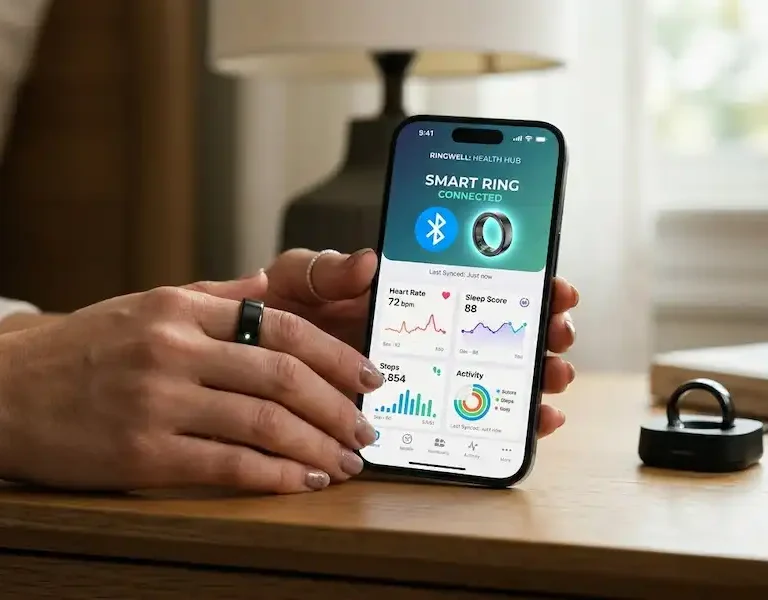
The heart of this experience is smart ring connectivity, a term that covers everything from that initial handshake to the complex background data syncing that keeps your activity rings closing.
The First Handshake: Initial Pairing
I remember the first time I unboxed a smart ring. I expected it to be like pairing a set of AirPods—open the lid, and magic happens. It’s rarely that simple. Because rings lack screens and physical buttons, the “talk” starts with a specific hardware trigger. To establish stable smart ring connectivity, you usually need to follow a precise sequence. (Best Smart Ring for iPhone)
- The Dock is the Key: Most rings, like the Oura Ring 4, require you to place the device on its dedicated charging dock to enter pairing mode. The dock acts as a physical authentication layer.
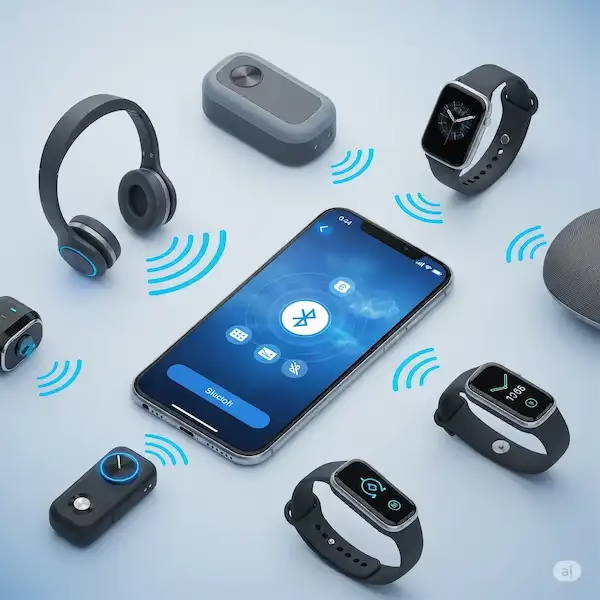
- The Companion App: You don’t usually pair a ring through the iPhone’s main Bluetooth settings first. Instead, you download the manufacturer’s app. According to Bluetooth SIG documentation, the app uses BLE to scan for the ring’s specific UUID.
- Permissions: iOS will ask if the app can use Bluetooth. Say yes. Without this, the app is “blind” to the hardware, breaking the smart ring connectivity before it even begins.
Making the Ring “Listen” to Apple Health
A ring that only talks to its own app is a lonely device. To truly integrate it into your life, you need to bridge it with Apple HealthKit. This is the centralized database on your iPhone where your steps, heart rate, and sleep data live.
Insider Tip: Apple HealthKit isn’t a cloud service; it’s a local, encrypted database on your iPhone. When your ring “talks” to your iPhone, the companion app acts as a translator, writing data into this local vault. This is a crucial component of long-term smart ring connectivity and data integrity.
To set this up, navigate to the Settings or Profile section of your ring’s app. Look for “Integrations” or “Data Sharing.” When you toggle on Apple Health, iOS will present a system-level screen asking which permissions you want to grant. I always recommend “Turn All Categories On.” Even if you don’t use the “Mindful Minutes” today, having that data flow into the ecosystem makes your health trends far more accurate over time.
Why Your Ring Might “Stop Talking”
We’ve all been there: you wake up, open the app, and see “Ring Not Found.” In my experience, 90% of smart ring connectivity issues on the iPhone stem from two things: Bluetooth glitches and iOS power management.
- The Bluetooth Toggle Trap: Swiping down the Control Center and tapping the Bluetooth icon doesn’t actually turn off the Bluetooth radio; it just disconnects accessories. If your smart ring connectivity is stuck, go to Settings > Bluetooth, toggle it off for 10 seconds, and turn it back on.
- The Airplane Mode Hang: If you use Airplane Mode on your ring to save battery or reduce EMF at night, you must remember that some rings won’t “wake up” until they sense movement or are placed back on the charger.
Use Cases: What Happens Once They’re Talking?
The real magic of smart ring connectivity isn’t just seeing a heart rate number; it’s the invisible automation that simplifies your day.
1. The Invisible Wallet (NFC)
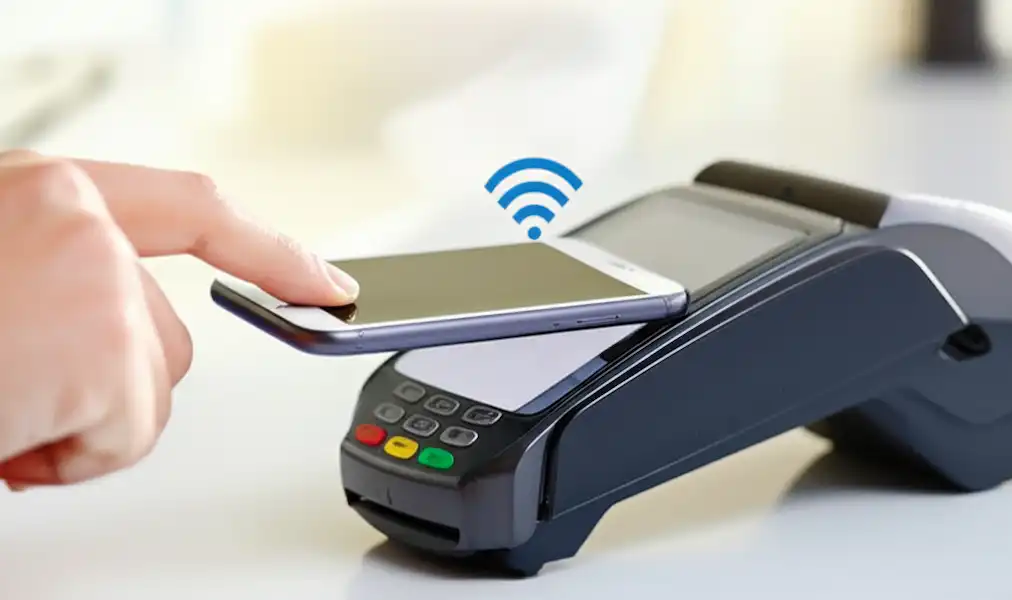
While health tracking uses Bluetooth, payments use NFC (Near Field Communication). Some rings, like those discussed by McLear, allow for contactless payments. This is separate from the Bluetooth link. The “talk” here is between the ring’s secure element and the payment terminal, though you often manage the virtual card via your iPhone.
2. Smart Home Gestures
Some high-end rings now support gesture control. By connecting the ring’s app to Apple HomeKit or Apple Shortcuts, a double-tap of your index finger against your thumb can trigger a “Goodnight” scene, locking your doors and dimming the lights. This requires a constant, stable BLE connection to the iPhone.
3. Sleep Coaching and Readiness
This is the bread and butter of the industry. Because the ring sits on the underside of your finger—where the skin is thinner and the arteries are closer to the surface—it provides more accurate PPG (Photoplethysmography) data than a wrist-based watch. This data relies on consistent smart ring connectivity to calculate your “Readiness Score” every morning.
Industry Insider: The Engineering Behind the “Talk”
As someone who has worked closely with hardware engineers, I can tell you that getting a smart ring to talk to a phone through a metal chassis is an engineering nightmare.
Most smart rings are made of titanium or zirconia ceramic. Titanium is a great conductor, which means it acts like a “Faraday Cage,” blocking radio signals. Engineers have to leave a tiny “window” or use the internal plastic molding as the antenna. If you notice your smart ring connectivity drops when your hand is in your pocket, it’s likely because your body (which is mostly water) is absorbing the signal.
Best Practices for Constant Connectivity
To ensure your smart ring connectivity remains rock-solid:
- Keep the App Open in the Background: Don’t “force close” the app (swiping it up in the app switcher). iOS will eventually kill the background process that listens for the ring.
- Firmware Matters: Just like your iPhone needs updates, your ring’s “brain” does too. These updates often include handshake optimizations for new versions of iOS to improve smart ring connectivity.
- Wear the Correct Finger: Most sensors are calibrated for the index or middle finger. Better skin contact means less “noise” in the data, which means the ring has to work less hard to transmit a clean signal.
The Future of the Finger-to-Phone Link
We are moving toward a world where smart ring connectivity will be even more seamless. With the introduction of the Matter standard in smart homes, your ring might soon talk directly to your thermostat or lights without needing the iPhone app as a middleman. However, for now, the iPhone remains the essential hub.
FAQ: Troubleshooting Your Ring’s Communication
Q: Can I connect my ring to both my iPhone and an iPad?
A: Usually, no. Most smart rings use a 1-to-1 pairing bond for security. If you want to switch to an iPad, you typically have to “unpair” or “forget” the device on the iPhone first to reset the smart ring connectivity.
Q: Does having the ring connected drain my iPhone’s battery?
A: Negligibly. BLE is designed for this exact purpose. It stays in a “sleep” state and only wakes up to send tiny packets of data, preserving your smart ring connectivity without killing your phone.
Q: Why does my ring take so long to sync in the morning?
A: If you haven’t opened the app all night, the ring has to dump 8 hours of high-resolution heart rate and movement data. This can be several megabytes, which is a lot for a low-power Bluetooth connection.
Q: My steps in the ring app don’t match my iPhone’s Health app. Why?
A: This is a common smart ring connectivity quirk. Your iPhone also tracks steps via its internal accelerometer. You need to go into Apple Health > Steps > Data Sources & Access and drag your ring to the top of the list so the iPhone knows to prioritize the ring’s data over its own.
Summary Table: Smart Ring vs. iPhone Connectivity
| Feature | Protocol | Purpose |
| Initial Pairing | BLE (Bluetooth Low Energy) | Secure handshake & authentication |
| Data Syncing | BLE | Transferring heart rate, sleep, & steps |
| Payments | NFC (Near Field Communication) | Contactless transactions at terminals |
| Health Integration | Apple HealthKit API | Merging data with other iOS health metrics |
| Firmware Updates | Bluetooth SPP/GATT | Updating the ring’s internal software |
Making your ring talk to your iPhone is about setting the right permissions and understanding the hardware’s limits. Once that bridge is built and you have established reliable smart ring connectivity, you’ll find that the most powerful technology is the kind you forget you’re even wearing.
Additional Helpful Information
- More about hybrid wearable integration – Mastering Hybrid Wearable Integration for iPhone and Android