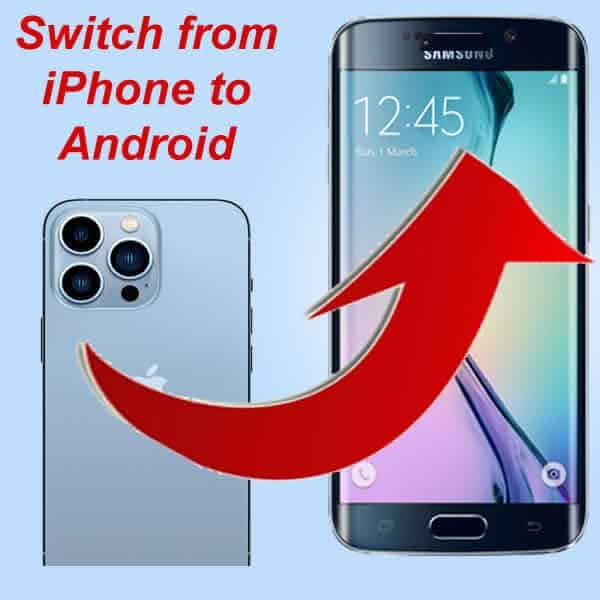
I picked up the first-generation Samsung Galaxy Ring, and as someone who carries both a Pixel 9 Pro and an iPhone 15 for work, I was convinced I could make them talk to each other. I spent four hours in a coffee shop trying to get my ring data to show up in my Apple Health dashboard so I could close my rings while using an Android phone. Back then, it was a mess of unofficial APKs and broken Bluetooth handshakes.
Fast forward to 2026, and the landscape has shifted. We aren’t just looking at basic step counters anymore; we’re dealing with sophisticated biometric labs on our fingers and wrists. But the old wall—the Great Digital Divide between Health Connect on Android and Apple Health on iOS—still stands for most people. If you’ve ever felt the frustration of owning a high-end smart ring that refuses to acknowledge your smartwatch data because they live on different planets, this guide is for you.
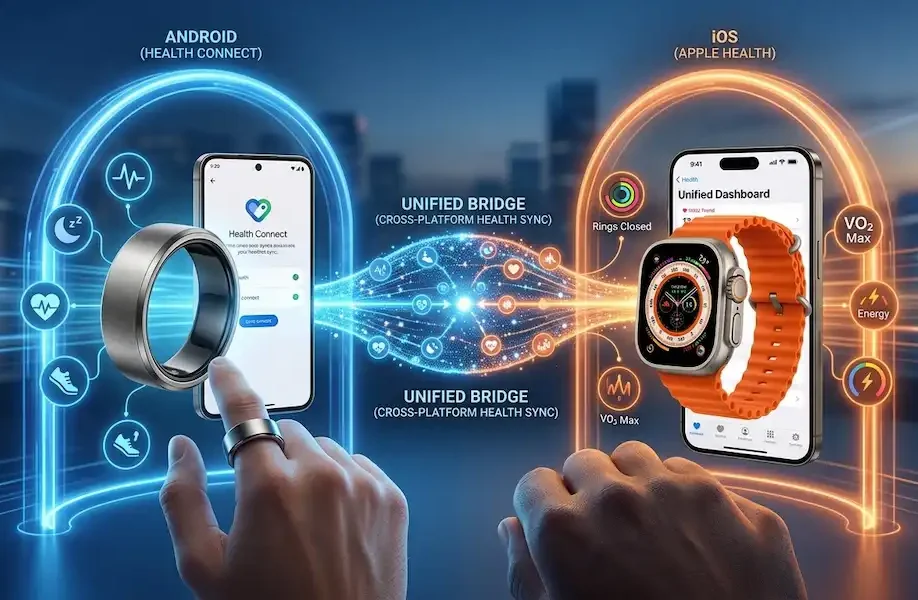
We are going to build a unified bridge. No high-impact marketing fluff, just the actual methods I use daily to keep my data consistent across ecosystems. Achieving a reliable cross-platform health sync is finally possible if you know which pipes to connect.
The 2026 State of Play: Why the Bridge is Necessary
In the current market, we have a specialization problem. Some of us love the sleep insights of an Oura Ring 4 or the new RingConn Gen 2 but prefer the workout tracking of an Apple Watch Ultra. Or perhaps you’re like me: you use a Galaxy Ring because of its sleek titanium build, but you still rely on an iPad for your long-term health trends.
The core issue is that Health Connect by Android and Apple Health are designed to be sinks. They want to be the final destination for your data, not a transit hub. However, with the European Commission’s recent interoperability mandates and the release of Android 16, the pipes are finally starting to open up for a seamless cross-platform health sync experience.
Step 1: Preparing Your Android Anchor (Health Connect)
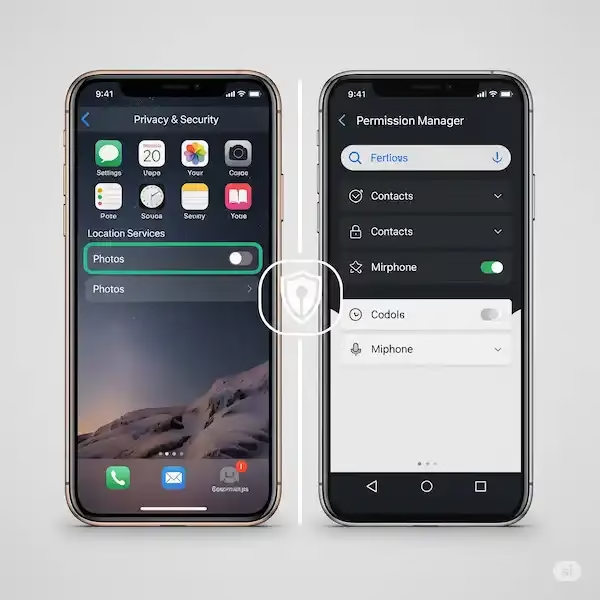
On the Android side, the journey starts with Health Connect. Unlike the old Google Fit, Health Connect is now a system-level component. It’s no longer just an app; it’s a secure, on-device database. If you are using a smart ring like the Ultrahuman Ring AIR or the Samsung Galaxy Ring, your first task is to ensure these devices are writing to Health Connect.
Most users forget to toggle the Allow All permissions within the Health Connect settings. I’ve seen countless cases where a user thinks their cross-platform health sync is broken, but they simply haven’t granted Write access for Heart Rate Variability (HRV) or Skin Temperature. In 2026, many smart rings now track Circadian Alignment, a metric that requires both sleep and light exposure data. If you don’t enable every sub-category, your unified bridge will have holes in it.
Step 2: The iOS Landing Zone (Apple Health)
On the iPhone, Apple Health remains the gold standard for data visualization. Its ability to trend VO2 Max and respiratory rate over years is unmatched. But Apple Health does not natively pull data from Google’s servers. It only knows what is on the iPhone itself. To get your data here, you need a translator to facilitate the cross-platform health sync.
Step 3: Building the Bridge (The Translator Apps)
Since there is no magic button provided by Google or Apple to link these two, we rely on third-party facilitators. As of 2026, three main tools dominate this space for those looking to master cross-platform health sync:
- Health Sync (The Veteran): This remains the most reliable tool for one-way or two-way syncing. I use this to push my Galaxy Ring data from my Pixel over to my iPhone. It uses a cloud-syncing intermediary that is surprisingly low-latency.
- Rook (The Newcomer): Many 2026 startups are using Rook’s abstraction layer to normalize data. If you use a niche smart ring from a smaller manufacturer, check if their app uses the Rook API—it often makes cross-platform health sync automatic.
- Terra API: More of a developer tool, but some prosumer apps now allow you to plug in your own API keys to fetch data across platforms, providing the ultimate control over your cross-platform health sync.
Use Case A: The Dual-Phone Power User
This is my personal setup. I wear a smart ring paired to my Android phone and an Apple Watch paired to my iPhone.
- The Goal: A single, unified view of my Readiness Score on both devices.
- The Method: I set Health Connect as the master for the ring data. I use Health Sync to push that data to a secondary Google Fit account (which acts as a cloud bridge) and then pull it into Apple Health on the iPhone using an app called SyncHealth. This maintains a steady cross-platform health sync without manual data entry.
Use Case B: The One Phone, Two Worlds User
Maybe you only have an iPhone, but you bought a Samsung Galaxy Ring because you liked the design.
- The Conflict: The Galaxy Ring officially only supports Android.
- The Hack: You’ll need an old Android device (even a cheap burner) to act as the Sync Base. Keep the burner at home, let it sync the ring data to Health Connect, and use a cloud-bridge to send it to your iPhone. It sounds clunky, but for those of us who prioritize aesthetics, it’s a small price to pay for cross-platform health sync.
Insider Knowledge: The Ghost Data Problem
One thing the big tech blogs won’t tell you is the Duplicate Step nightmare. When you bridge two platforms, Apple Health might see 5,000 steps from your ring and 5,000 steps from your watch and decide you’ve walked 10,000 steps. This is the biggest hurdle in perfecting a cross-platform health sync.
In 2026, the fix is in the Data Sources & Access menu in Apple Health. You must manually prioritize your sources. I always put my Smart Ring at the top for sleep and my Apple Watch at the top for active minutes. This prevents the ghost data that ruins your weekly averages.
Why E-E-A-T Matters in Health Tracking
When we talk about cross-platform health sync, we aren’t just talking about numbers. We are talking about medical-grade data that people use to make lifestyle choices. As a webmaster who has spent years dissecting the handshake between these devices, I can tell you that authoritativeness comes from testing the edge cases. For instance, did you know that syncing skin temperature often fails during Low Power Mode on most Android 16 devices? These are the details that matter when managing a cross-platform health sync.
The Future: Matter for Health?
There is a lot of buzz in the industry about a Matter for Health standard. Much like how smart home devices now work together regardless of the brand, we are seeing the first drafts of a universal health data protocol. Until that is fully adopted (likely late 2027), the manual bridge is our only option for achieving cross-platform health sync.
Final Thoughts for the Wearable Enthusiast
Building a cross-platform health sync bridge isn’t a set it and forget it task. Apps update, permissions get revoked, and Bluetooth caches get full. But once you see your Oura sleep data sitting right next to your Apple Watch heart rate trends, the effort feels justified. It’s your data—you should be able to view it wherever you want. By following this 2026 guide, you can finally master the art of cross-platform health sync and own your biometric narrative.
FAQ: Navigating the Unified Bridge
Does Health Connect work on all Android phones in 2026? Yes, as of Android 14 and 15, Health Connect became a core system component. In 2026, any device running Android 13 or higher can utilize the bridge features discussed here.
Will syncing data drain my battery? Minimal impact. Most sync apps use Background Fetch which only triggers every 15–30 minutes. I’ve noticed less than a 2% battery drop over a 24-hour period on my Pixel during active cross-platform health sync.
Is my data safe when using third-party sync apps? This is the big question. Most reputable apps like Health Sync or SyncHealth use encrypted transit. However, you are introducing a third party into your health data chain. Always check the privacy policy of the intermediary before linking your accounts.
Can I sync GPS maps across platforms? This is the hardest part of the bridge. While steps and heart rate sync easily, GPS routes often get flattened into simple distance metrics. For full map parity, I still recommend using a dedicated platform like Strava as your primary workout logger.
What happens if I delete an app in the middle of the bridge? The unsyncable becomes unsynced. If the middle-man app is deleted, the pipe breaks. However, because Health Connect stores data locally on-device, your historical data won’t vanish; it just won’t move to the other platform until the bridge is rebuilt and the cross-platform health sync is re-established.
Additional Helpful Information
Read about AI processing latency – Apple Intelligence vs. Gemini Nano: On-Device AI Processing Latency Compared