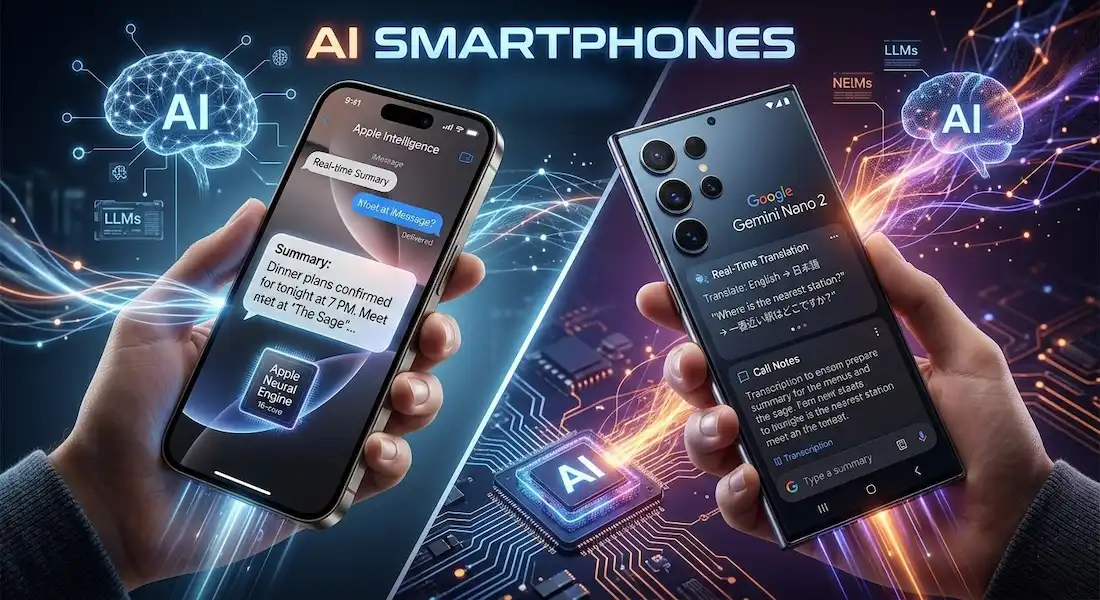
The first time I felt like my phone was actually thinking. It wasn’t a “Hey Siri” or a “Hey Google” moment—those have felt scripted for a decade. It was last Tuesday. I was in a noisy cafe in downtown Seattle, trying to record a voice memo for a project. The espresso machine was shrieking, and two people were arguing over a bagel nearby. Usually, that recording would be garbage. But as I hit “summarize” on my device, it didn’t just transcribe the words; it intelligently filtered the chaos, identified the three distinct voices, and gave me a bulleted list of action items.
The kicker? I was in airplane mode. No cloud, no lag, no data leaving my hand. This is the reality of AI phones. We’ve moved past the era where “AI” was a buzzword tacked onto a camera app. We are now in the age of the “Pocket Agent.”
What Is Actually Happening Inside Your Phone?
To understand why AI phones are different, we have to look at the silicon. For years, your phone relied on the CPU (the brain) and the GPU (the eyes). But now, the star of the show is the NPU—the Neural Processing Unit.
Think of the NPU as a specialist. While the CPU is busy making sure your apps don’t crash and the GPU is rendering your TikTok feed, the NPU is a dedicated engine designed specifically for the “math of intuition.” In 2026, processors like the Snapdragon 8 Elite Gen 5 and Apple’s A19 Pro have NPUs that are roughly 40% faster than they were just two years ago.
This hardware shift is what allows for “on-device AI.” In the old days (meaning 2023), if you asked an AI to edit a photo, your phone sent that data to a server, the server did the work, and sent it back. Now, AI phones do that work locally. It’s faster, it works without a signal, and most importantly, it’s private.
The Great Divide: iPhone vs. Android in 2026
If you’re standing in a store trying to decide between the latest iPhone 17 Pro or a Samsung Galaxy S26 Ultra, the “AI flavor” is likely what will tip the scales.
Apple: The Privacy Fortress
Apple Intelligence has finally grown up. For a long time, industry insiders (myself included) joked that Apple was “the slow kid” in the AI phone race. But Apple played the long game. Their approach in 2026 is “Ambient Intelligence.” It doesn’t scream at you. Instead, it’s deep in the OS.
- The Vibe: It feels like a butler. It knows that when you get a text from your boss about a meeting, it should automatically check your Calendar and suggest a reply based on your actual availability.
- The Tech: Apple uses Private Cloud Compute, which is a fancy way of saying that if a task is too big for the phone, it goes to a special Apple server that is mathematically incapable of storing your data.
Android: The Swiss Army Knife
Google and Samsung aren’t just making assistants; they are making “Agents.” On a Pixel 10 Pro or a Galaxy S26, the AI phone feels more proactive.
- The Vibe: It feels like a co-worker. If I’m planning a trip, Gemini doesn’t just show me flights; it goes into my Gmail, finds my hotel confirmation, checks the weather in London, and tells me I need to pack an umbrella because there’s a 70% chance of rain on my arrival day.
- The Tech: Google’s Gemini Nano is the heavyweight champion of on-device models. It handles complex reasoning that, frankly, still makes the iPhone look a bit basic.
Comparison: Who Wins the AI War?
| Feature | iPhone (Apple Intelligence) | Android (Galaxy AI / Gemini) |
| Philosophy | Privacy & Ecosystem Integration | Proactive Utility & Web Knowledge |
| Best For | Casual users who want “it just works” | Power users and researchers |
| Photo Editing | Realistic “Clean Up” & Lighting | “Generative Reimagining” (Moving objects) |
| Translation | Smooth, integrated into Messages | Live, two-way voice (even in calls) |
| Speed | Extremely snappy on-device | Deep integration with Google Search |
The Use Cases That Actually Matter
I’ve tested dozens of AI phones this year, and I’ve realized that 90% of the features are fluff. You’ll never use the “AI Poem Generator” more than twice. But there are three things that have fundamentally changed how I use my device:
1. The Death of the Language Barrier
I was in Tokyo last month. I don’t speak a lick of Japanese. On a Galaxy S26, I used the Live Translate feature during a phone call to a local restaurant. I spoke English; they heard Japanese. They spoke Japanese; I heard English. It wasn’t perfect, but I got my table for four at 7:00 PM. That’s not a gimmick; that’s a superpower.
2. Contextual Awareness (Visual Intelligence)
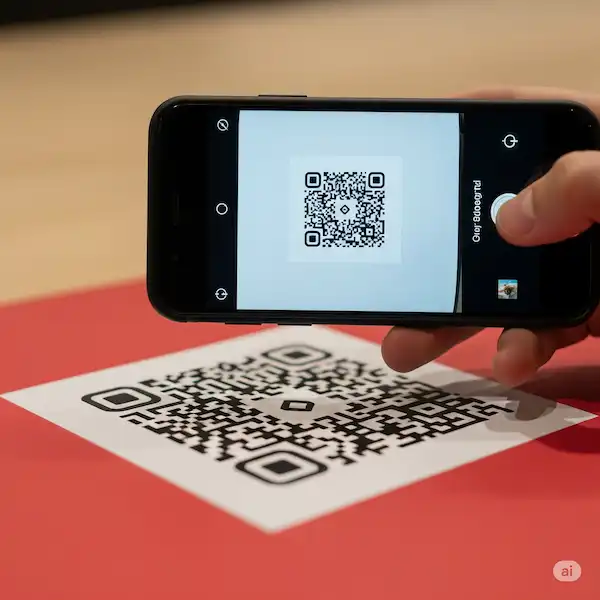
On the new iPhone, you can just point your camera at a concert poster on a telephone pole. The AI recognizes the band, finds the tour dates, and asks if you want to add the local show to your calendar. It skips the “search, copy, paste, click” routine that used to take three minutes. Now it takes three seconds.
3. “Agentic” Productivity
This is the big one for 2026. “Agentic” means the AI can do things, not just say things. If I tell my Pixel, “Find that document about the Q3 budget from my email and send a summary of the ‘Marketing’ section to Sarah on Slack,” it actually does it. It authenticates across apps and completes the workflow.
Insider Knowledge: The “Cloud Leak” Problem
Here is something the manufacturers don’t like to talk about: Not all AI is “on-device.”
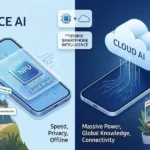
Even with the best AI phones, there is a constant tug-of-war. Running a massive AI phone model generates heat and drains battery. When you ask your phone to “reimagine this photo as a Van Gogh painting,” it almost certainly sends that to the cloud. Why? Because your phone’s NPU, as powerful as it is, still isn’t a warehouse full of H100 GPUs.
The “Insider Secret” is to look for the tiny icon that appears when the AI is working. On many devices, a small cloud icon or a subtle glow color change indicates your data is leaving the device. If you are a lawyer or a doctor handling sensitive info, you need to stick to the features that are explicitly labeled as “Local Only.”
[Image comparing cloud-based AI processing vs. local NPU processing pathways]
Why Should You Care?
You might be thinking, “I just want a phone that takes good pictures and doesn’t die at 4 PM.” I get it. But the reason AI phones are a big deal is that they are finally solving the “Battery vs. Performance” paradox.
Because the NPU is so efficient at specific tasks, it actually saves battery life. Instead of the main processor churning away at 100% to identify a face in a photo, the NPU sips power and finishes the job in half the time. This efficiency is why the 2026 flagships are seeing screen-on times that we haven’t seen in years.
The Verdict: Which One Should You Buy?
If you want the most “intelligent” experience, get an Android—specifically the Pixel or the S-series. Google’s lead in data and search makes their AI feel like it has a higher IQ. They are leaning into the “Agent” future faster than anyone else.
However, if you are like me and you care about where your data lives, the iPhone is the gold standard for AI phones. Apple’s architecture ensures that even when the AI gets “smart,” it stays “polite” with your personal information.
FAQ: Everything You’re Wondering About AI Phones
Q: Do I need a special data plan for these AI features?
A: Generally, no. Most “on-device” features work offline. However, “Agentic” tasks that involve booking flights or searching the web will require standard 5G or Wi-Fi.
Q: Will an AI phone 2026 make my old apps obsolete?
A: Not at all. In fact, most old apps are getting “AI injections.” Developers are using tools like Google’s LiteRT to make their existing apps smarter and faster on your new hardware.
Q: Is “On-Device AI” really more private?
A: Yes. When a task is handled on-device, the raw data (like your voice or your photos) never reaches a server. The AI “sees” it, processes it, and then the memory is cleared.
Q: Can I turn the AI off?
A: Yes. Both Apple and Android manufacturers have included “Privacy Toggles” in the settings. You can disable the generative features entirely if you just want a “dumb” smartphone experience.
Q: Why are these phones so much more expensive?
A: You’re paying for the silicon. The NPUs required to run these models are expensive to design and manufacture. You’re essentially buying a supercomputer that fits in your pocket.
The landscape of AI phones is moving fast. We are currently in that weird, exciting transition where the technology is finally catching up to the marketing promises. Whether you go Team Apple or Team Android, just know that your phone is no longer just a screen—it’s a partner.
Additional Helpful Information
- More about mobile AI agents – Master Your Day: Using Mobile AI Agents on iPhone and Android
- On-device AI vs. Cloud AI – Hybrid Smartphone Intelligence: The Real Difference Between On-Device and Cloud AI